Film, by FastH3 Omni 3D direction, by Muvaira

Every story,
staged in 3D.

Muvaira's agents read your story, build the cast and sets, direct every shot, and render it as comic pages or hand it to a video model. You direct. They shoot.

Agents run on

Video by

Directed in 3D. Filmed with sound.

The agents blocked, lit and animated this scene in 3D. MiniMax FastH3 Omni took it as a guide for motion and placement only, and filmed it in the project's style as two chained segments in one session. Drag across the frame to compare the direction with the film.

3D direction FastH3 Omni
0:00 / 0:16

Segment 1 8 s, staged by the 3D scene. What it was asked for:

Beat
Ken hurries along the path from the right and stops beside Mei. She spots him and waves.
Camera
Wide two-shot, slow push-in at eye level.
Dialogue
Mei says, “There you are!”
Soundscape
Evening park, birds settling, distant traffic, hurried footsteps on gravel.

Segment 2 8 s, continues segment 1 in the same session. What it was asked for:

Beat
Ken catches his breath and bows in apology. Mei laughs it off and gestures toward the path.
Camera
Medium two-shot, slow arc to the left.
Dialogue
Ken says, “Sorry, the train was late.” Mei says, “It’s fine. Come on, we’ll miss the sunset.”
Soundscape
Evening park, birds, soft breeze in the trees.

Unedited output of one run on Muvaira's server: 16 seconds of film, generated in 45 seconds for $0.41 of model time. Picture, voices and ambience all come from the model.

Your cast, as the story has them.

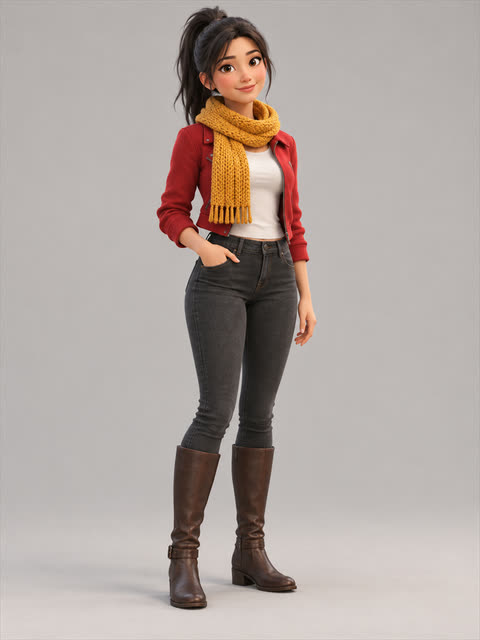
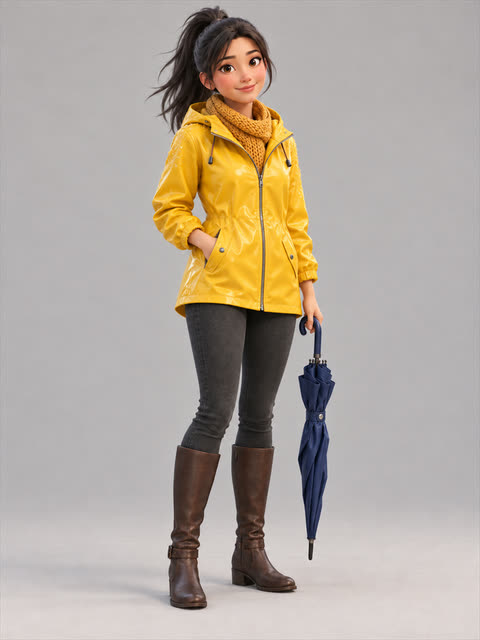
Pin pictures of a character in the library and every segment they appear in sends them to the video model. When their look changes, pin a new picture from that chapter on. Here it is chapter 2, it is raining, and Mei has her raincoat on.

  1. Mei in a red jacket and mustard scarf

    MeiFrom chapter 1

  2. Mei in a yellow raincoat with a navy umbrella

    MeiFrom chapter 2 · sent

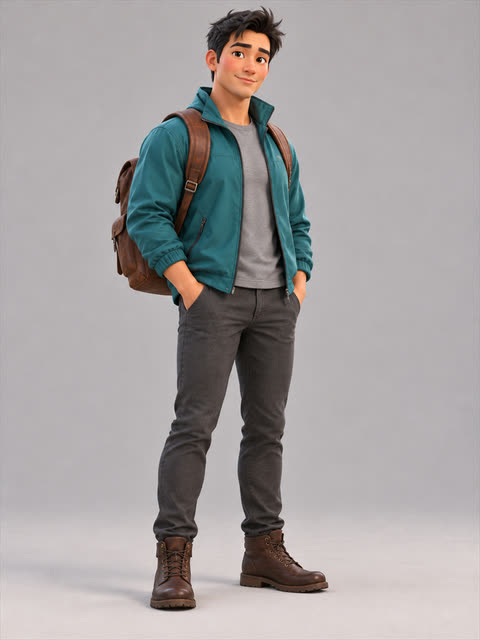
  3. Ken in a teal jacket with a brown backpack

    KenFrom chapter 1 · sent

3D direction FastH3 Omni

Chapter 2, segment 1 8 s. What it was asked for:

Beat
Under a light drizzle at dusk, Mei and Ken stroll down the park path toward us as the lamps glow on, then stop. Ken grins; Mei laughs.
Camera
Tracking backwards ahead of them, easing into a medium two-shot.
Dialogue
Ken says, “Next time, I’m buying the train tickets.” Mei says, “Deal. And I’m picking the café.”
Soundscape
Light rain on leaves, footsteps, distant traffic. Music: soft acoustic guitar.

Pictures sent with the beat, in this order

Picture 1
The 3D scene, heavily blurred: placement and motion only.
Picture 2
Mei as of chapter 2: her newest pinned look whose chapter has begun.
Picture 3
Ken, pinned from the start of the story.

Unedited output of one run: 8 seconds with sound, generated in 5.7 seconds for $0.25 of model time. Character pictures made for the demo; picture, voices and rain come from the model.

One scene. Thirty-two looks.

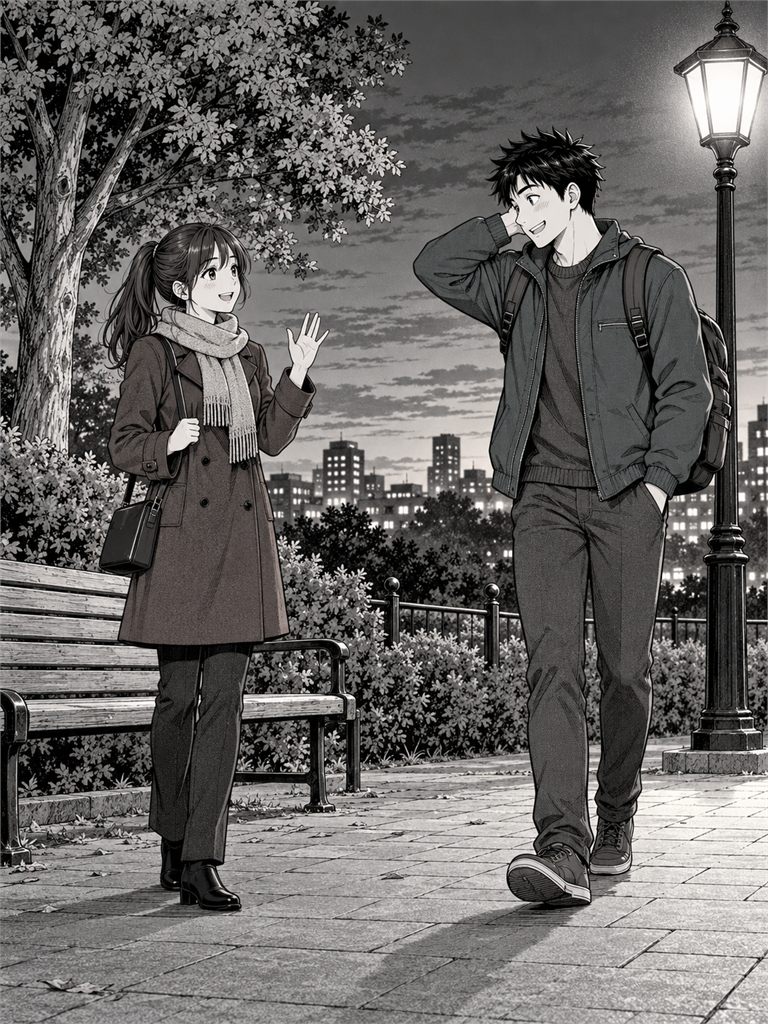
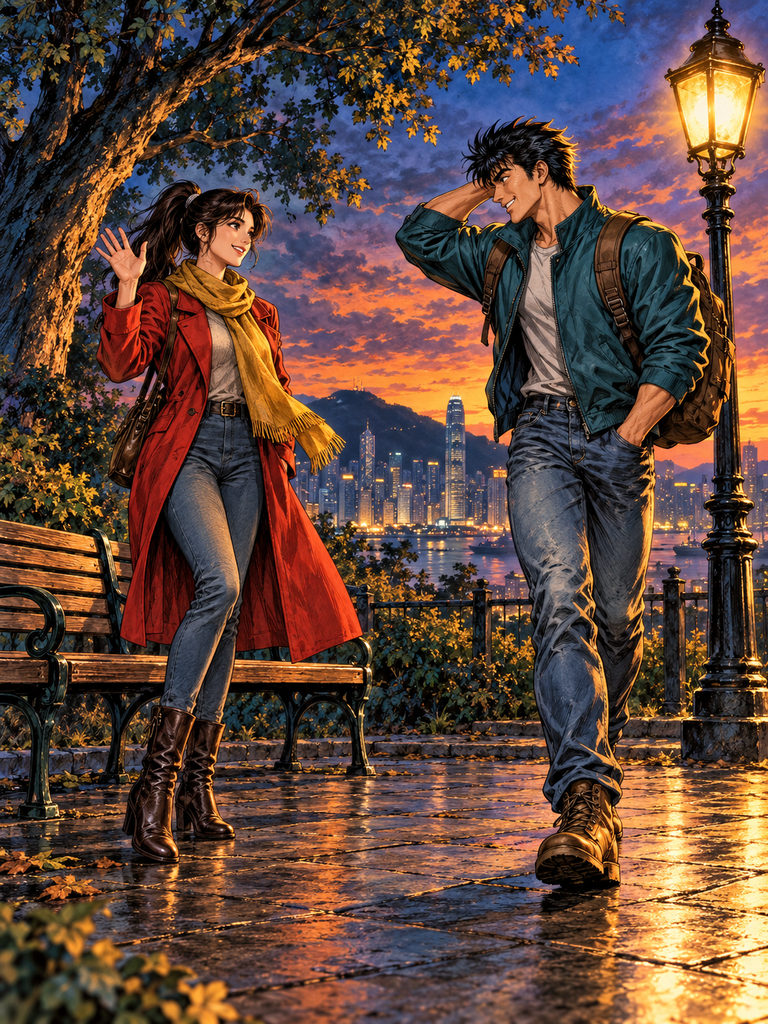
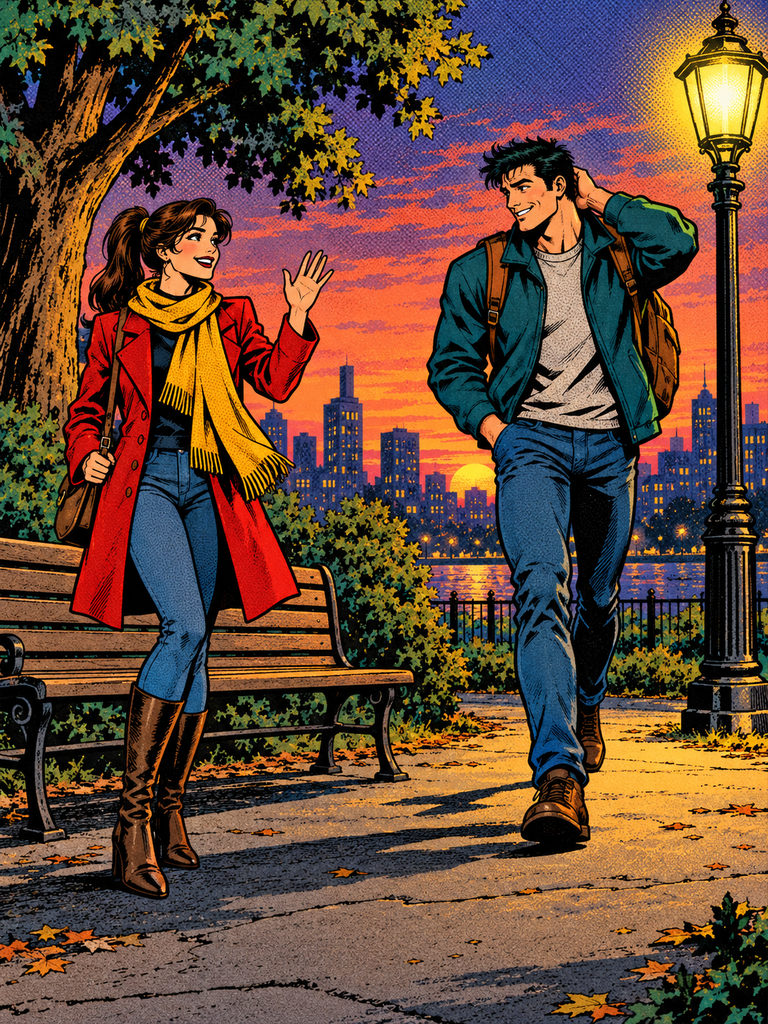
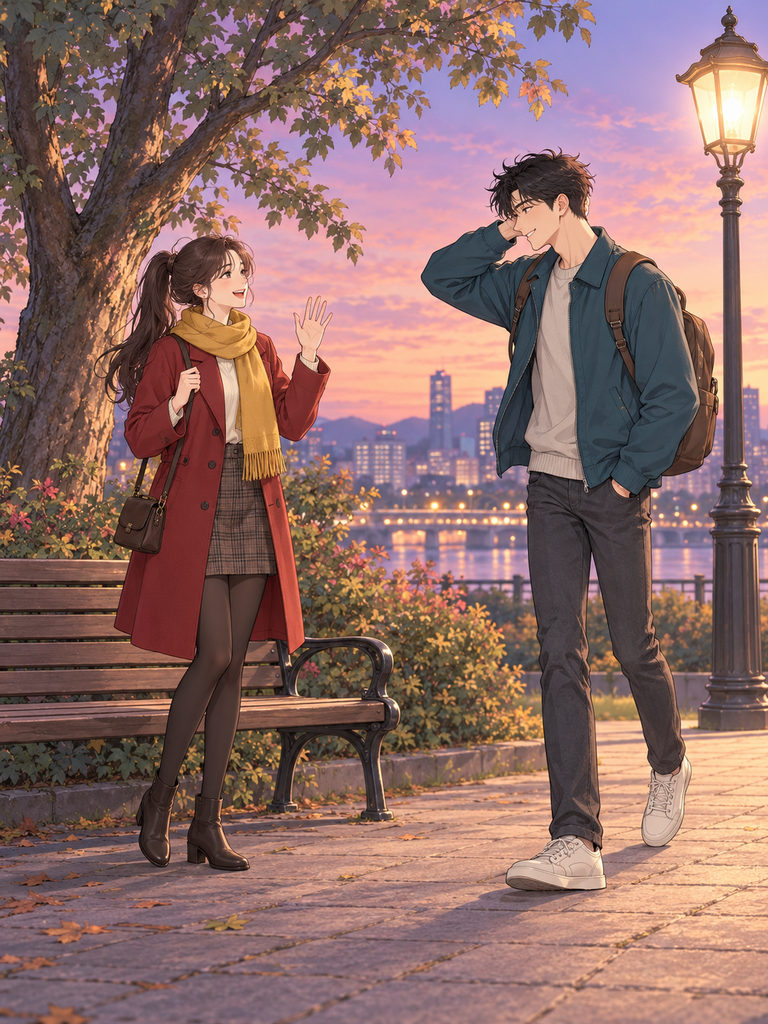
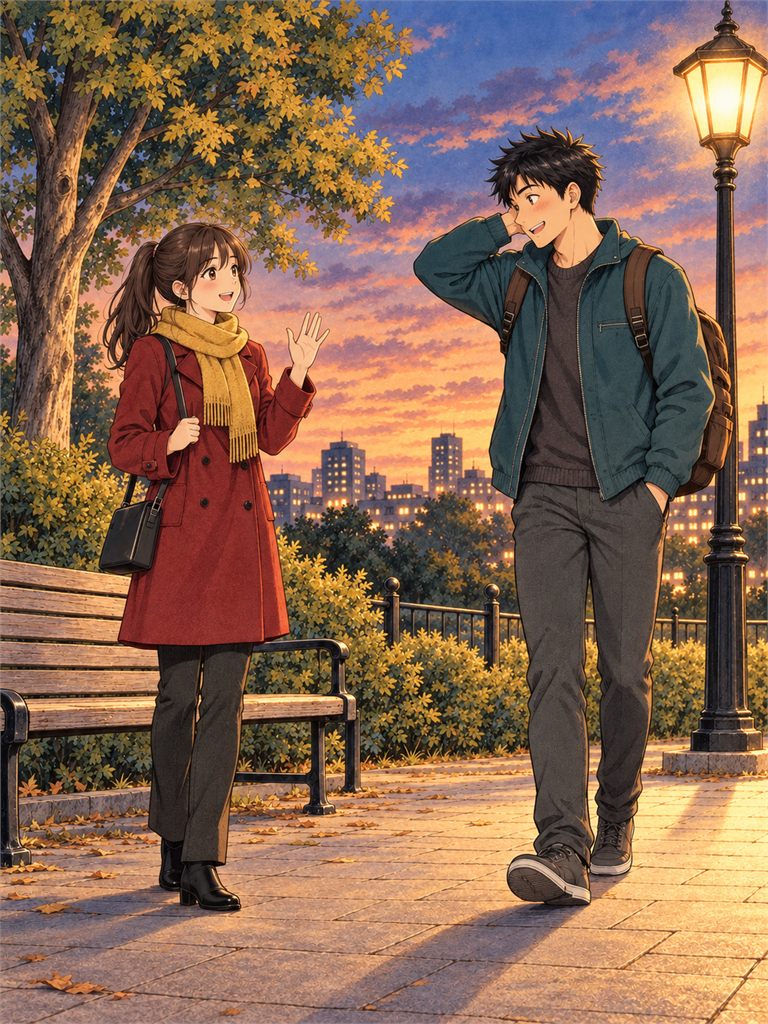
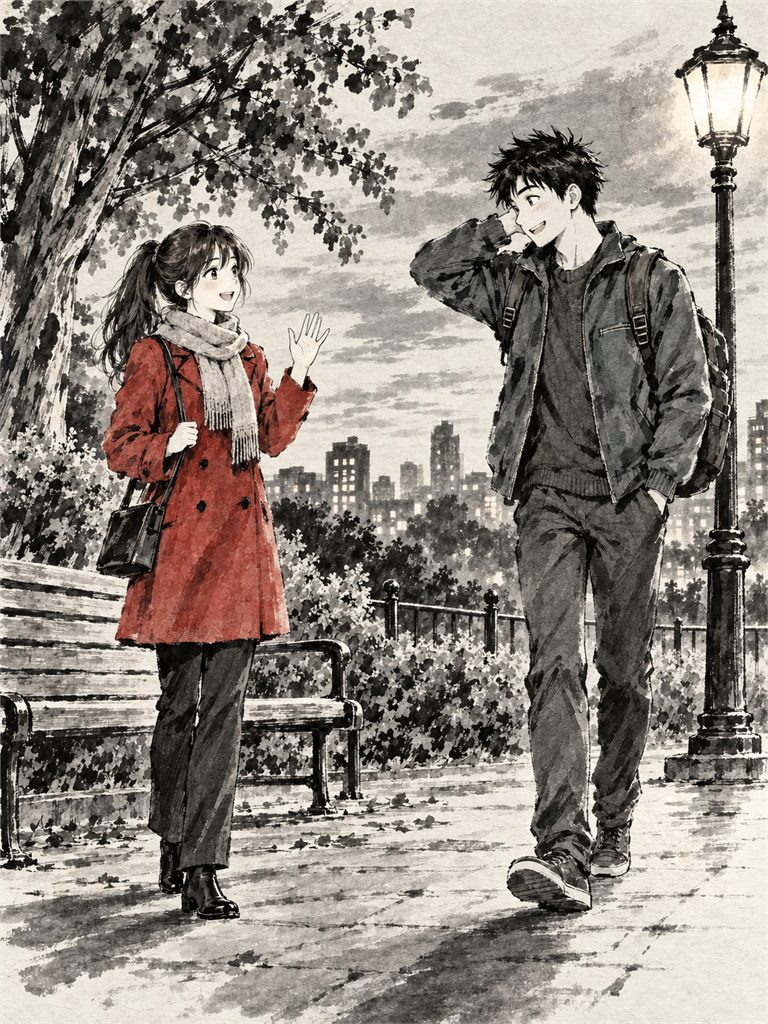
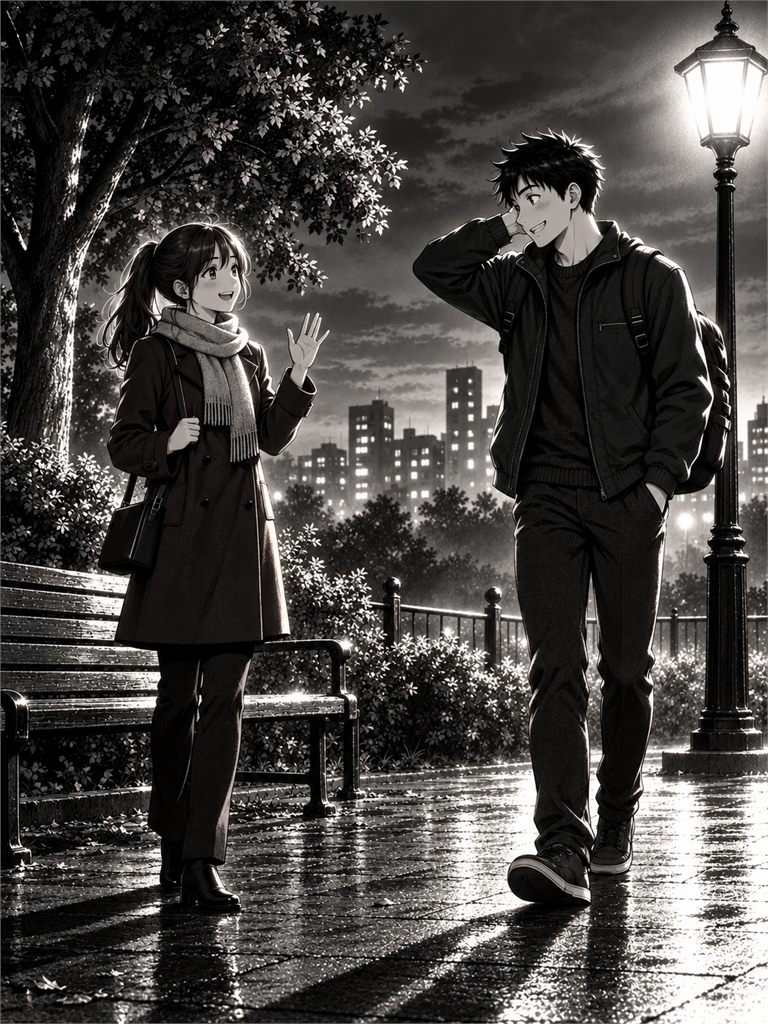
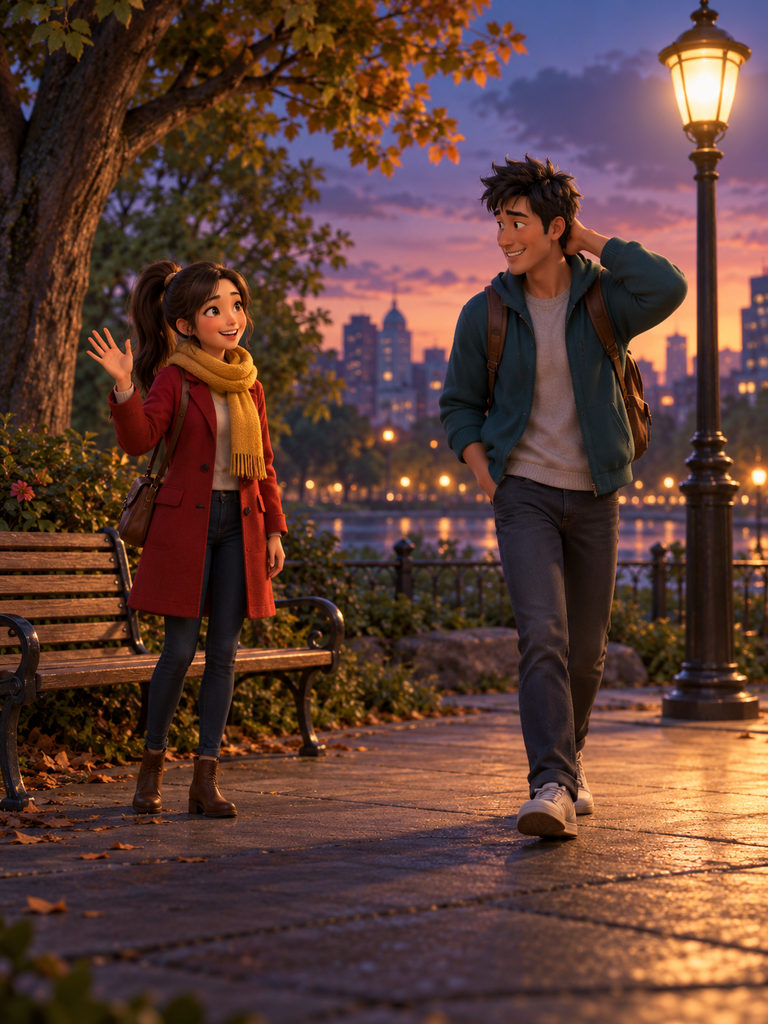
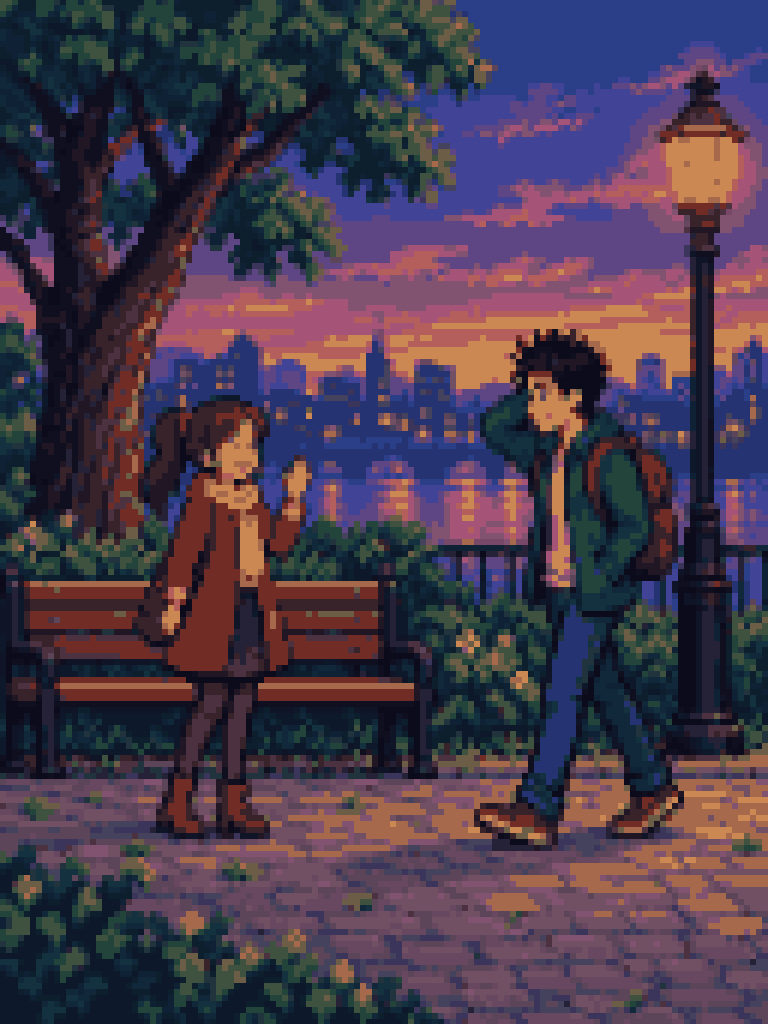
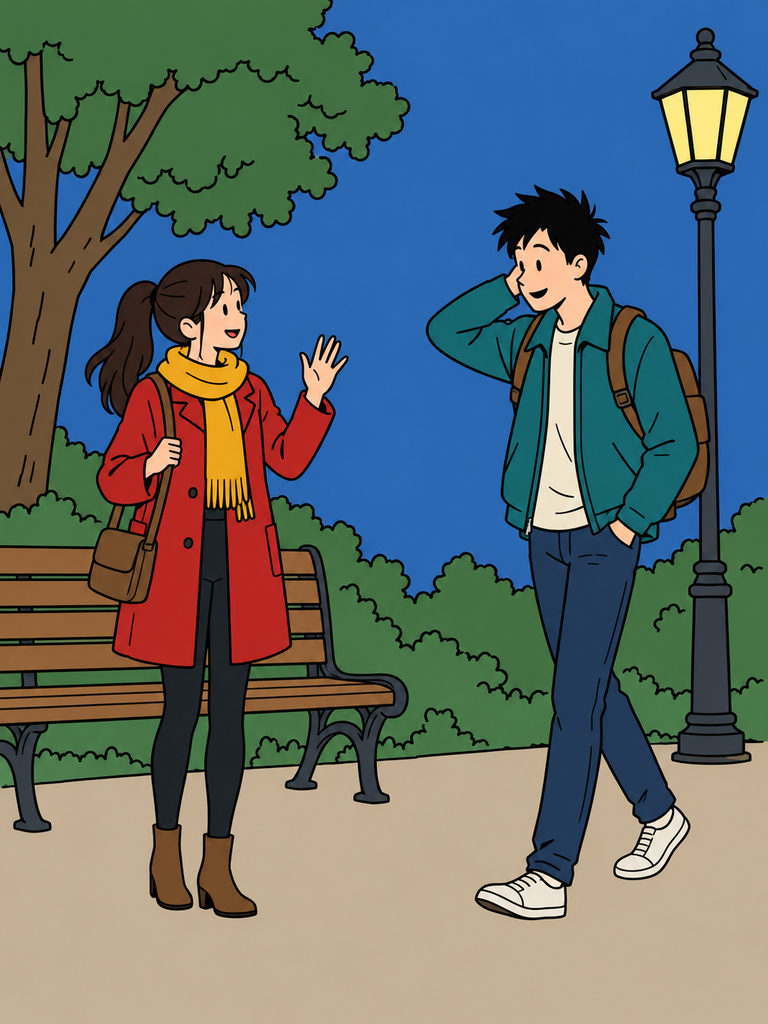
Pick a style and the same staged scene renders as an American comic, manga screentone, noir, pixel art, a woodblock print or cinematic 3D. Ink, light and colour change. Your blocking doesn't.

  1. Cinematic 3D
  2. American comic
  3. Japanese manga
  4. Dramatic noir
  5. Pixel art
  6. Ukiyo-e

Cinematic 3D

Five specialists, one production.

  1. Story Analyst

    Reads the whole story, then writes the bible: logline, tone, world rules, timeline, cast and locations.

  2. Character & Prop Designer

    Builds every character and set from 3D parts at real scale, then checks the cast reads apart in silhouette and colour.

  3. Scriptwriter

    Writes a beat sheet, then the panels or timed segments: page-turn hooks, short balloons, durations that fit your video model.

  4. 3D Scene Director

    Blocks, lights and animates each shot. Camera moves with a reason, actions with anticipation and a settle.

  5. Cinematographer

    Turns each rendered shot into a video prompt that matches its camera, timing and look.

They share one story bible, so a decision made in chapter one still holds in chapter twelve.

It checks its own shots.

After every build the Scene Director gets a contact sheet of its frames and a lint report, then fixes what fails before moving on.

  • The story beat reads at the key frame
  • Subject on a third, with room to look into
  • Silhouettes clear, nobody hidden
  • The 180° line holds between shots
  • Motion eases in and settles
  • Light fits the mood of the scene

Print it or play it.

Comic

Each panel freezes the most expressive instant of its scene. Panels lay out into pages with balloons and captions, ready to export.

Video

Seedance 2.5 starts each segment from its rendered frame, for clips of 4 to 30 seconds. MiniMax FastH3 Omni on Reactor takes the 3D scene as a guide for motion and placement and films it in your style, as 6 to 14 second clips with voices, ambience and music.

Your models, your effort, your budget.

Pick the brain

Choose GPT-6 Astra or Sol, or Claude Fable 5.1, Opus 5.5, Sonnet 5.5 or Haiku 5.5, per project or for a single run.

Set how hard it thinks

Reasoning effort runs from low to max. Use low for quick drafts and high for the chapter that matters.

Keep spend in view

Each account has a monthly token and video allowance. Admins see live jobs, spend by model and day, and adjust limits per person.

A studio on your desk

The app runs on Windows and macOS. Scenes render on your own machine with no GPU needed, and models run on Muvaira's servers.

Questions

Which AI models can I use?

The agents run on GPT-6 Astra, GPT-6 Sol, Claude Fable 5.1, Claude Fable 5, Claude Opus 5.5, Claude Sonnet 5.5 and Claude Haiku 5.5. Video comes from Seedance 2.5 and MiniMax FastH3 Omni on Reactor, which also generates the soundtrack.

Do I need a powerful computer?

No. The 3D scenes render on your CPU inside the desktop app. Every model call runs on Muvaira's servers, so you never handle API keys.

Can I change what the agents make?

Everything is editable: character rigs and colours, props and sets, panels and dialogue, the 3D scene itself and the video prompts. You can also ask the Producer in chat, or send one shot back to the Scene Director with a note.

How long can a video segment be?

Seedance 2.5 makes clips of 4 to 30 seconds. MiniMax FastH3 Omni makes clips of exactly 5.875, 8, 10.125, 12.25 or 14.375 seconds, with sound. The Scriptwriter keeps every segment to a length the model you picked accepts.

What happens when I reach my monthly limit?

Agents stop before the next model call and tell you why. Your administrator can raise the limit at any time.

Do I need a story ready?

No. Leave the story empty and the Story Analyst writes an original one from your title and notes, then the rest of the team takes it from there.
Start your first production.

  1. Install Muvaira Studio

    The desktop app for Windows or macOS.

  2. Sign in

    Use your Muvaira account with the server muvaira.com.

  3. Create a project

    Paste a story, choose comic or video and a style, and the agents begin.